Rob Run Just Patched: Your Elysium RR Update Routine
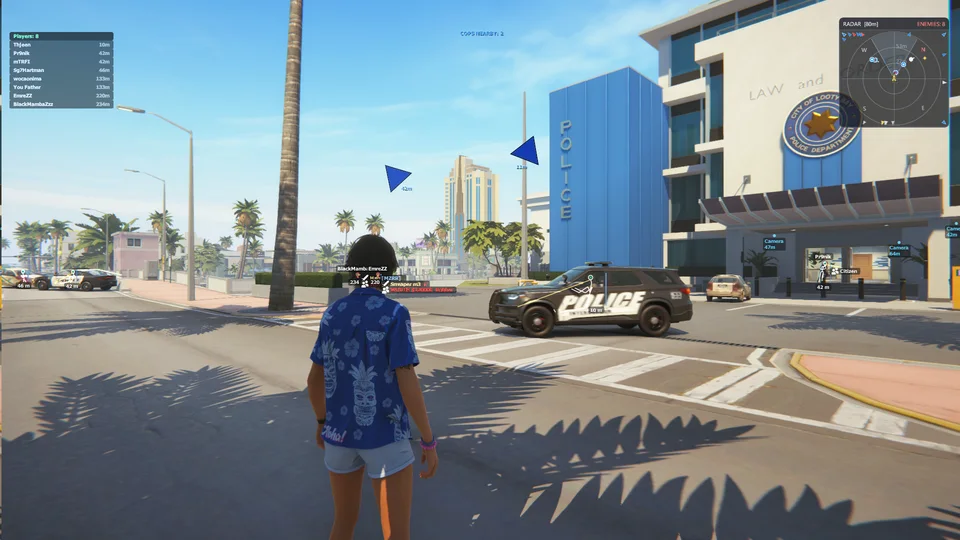
Every time Steam pulls a Rob Run update, our support channel fills up with the same worry: is the cheat still working? Usually the answer is yes, and you can carry on playing. Here at AimRobRun we would still like every member of our community to follow a short routine on update days, because it heads off nearly every problem we see after a patch. This post lays it out step by step and explains the reasons behind it.
First Stop: The Status Page
Before you change anything, look at our updates and status page. It tells you whether Elysium RR is confirmed working on the current Rob Run build. If it shows a warning, wait. If it shows working, carry on with the steps below. This one habit saves more wasted evenings than anything else on this list.
Why Most Rob Run Patches Need No Rebuild
Many cheats break with every game update, because they depend on fixed memory locations that move whenever the game is recompiled. Elysium RR takes a different route. While Rob Run is running, it looks up the game objects it needs by name and reads them from wherever they ended up in that build. A patch that reshuffles memory usually goes unnoticed.
The search is not a one-time event either. Each map load kicks it off again by itself, so hopping between areas or landing in a new lobby keeps the overlay drawing with no extra key presses from you.
A real rebuild is only needed when an update renames or removes something the overlay relies on. Those cases are rare, and our team announces them on the status page before anywhere else.
The Update Day Steps
- Step 1: Unload with F9 - hit F9 while you are still in game, before Steam begins downloading. This key restores the camera values, writes your config to disk and lets go of the game properly. Quitting with Elysium RR still attached has caused blue screens on some machines, which is why we ask for F9 every time.
- Step 2: Read the status - check the status page as described above.
- Step 3: Open VeteranCheats Downloads - log in on veterancheats.com with the account that bought your key and head to the Downloads section. If a newer Elysium RR loader is listed, download it there. That is the only place to get it.
- Step 4: Move your files - copy
settings.iniandskin_names.txtfrom your old loader folder into the new one. - Step 5: Launch in order - with the game shut, open the loader as administrator, enter your key and give it time to prepare. Leave it open, fire up Rob Run from your Steam library, spawn into the world and only then tap F7 or F8.
- Step 6: Quick look around - open the menu with Home and check a few player boxes, a car and a piece of loot. If all three draw correctly, you are ready.
Files to Keep When You Swap Loaders
- Your key - nothing to move. It stays the same and keeps the time left on your plan.
- settings.ini - sits next to the exe and holds every slider, colour and hotkey binding. Copy it over and your setup returns exactly as it was.
- skin_names.txt - the name list the Skins tab uses. Bring it along too.
- Antivirus exclusions - these may not carry over, since a new file in a new place can be treated as a stranger by Windows Defender.
Stale Loaders: The Usual Suspect
Our staff see one pattern again and again in post-patch tickets about an "invalid key" or a loader that vanishes on launch: an outdated copy left on the desktop got opened out of habit. Once a fresh build is out, delete the old ones so you cannot open the wrong file by mistake.
Never take a loader from a forum post, file host or a friend. Copies like that are not ours, and some are not loaders at all. We cover the dangers of shared copies in a short free download FAQ.
After a Big Windows Update
Large Windows updates can quietly undo your preparation. Check these three things:
- Real-time protection - a brand new loader file can be grabbed by Defender even when last month's copy never had trouble. Switch real-time scanning off for as long as Elysium RR is in use.
- Memory Integrity - updates sometimes flip it back on. Open Core isolation inside the Device security area of Windows Security, confirm the toggle is off, and reboot if you changed it.
- Elysium-Checker.exe - bundled in your download. Launch it with admin rights for a list of every blocker it spots on your PC.
Opening a Ticket: What Our Staff Need
If the status page says working and the overlay still misbehaves, please gather two things before contacting us:
- RobRun_external_log.txt - the program creates it beside itself. Inside is a running record of what was found in the game, what was missing, and reasons for skipped aim targets.
- Your Windows version - including the build number, for example Windows 11 25H2.
Attach both to a ticket on our Discord or a request through VeteranCheats Support, and add a line describing the problem. "Player boxes work but loot labels vanished after the patch" helps us far more than "broken". Sometimes we need more depth. In that case we may ask you to use one of three Config tab helpers: Layout Dump on F6, Verbose Trace Logs, or Live Diagnostics Log. Leave the last pair alone unless we request them, as they fill the log file fast. All contact routes are on our support page.
Log Lines Worth Recognising
- esp-range: - the furthest player and car the game actually sent you. If this number drops after a patch, Rob Run is sending less, and no menu slider can bring the rest back.
- aim-reject - appears whenever aim assist skipped someone, with a reason such as downed, past max distance or filtered as a teammate.
These two lines help tell "the overlay broke" apart from "the game changed what it sends", which speeds up any ticket.
Should You Play on Patch Day?
Game updates are a common moment for anti-cheat changes to ship alongside them. Nobody can honestly promise that a cheat will avoid a ban, and we will not either. Our tool stays outside the game process, which puts it at lower risk than an internal build, though lower is not zero. If the status page shows a warning, sitting out a day costs far less than an account. Our safety page goes through habits that keep you less noticeable, and the full first-time install is on the setup guide.