Dressing Up in Rob Run: Our Elysium RR Skins Tab Guide
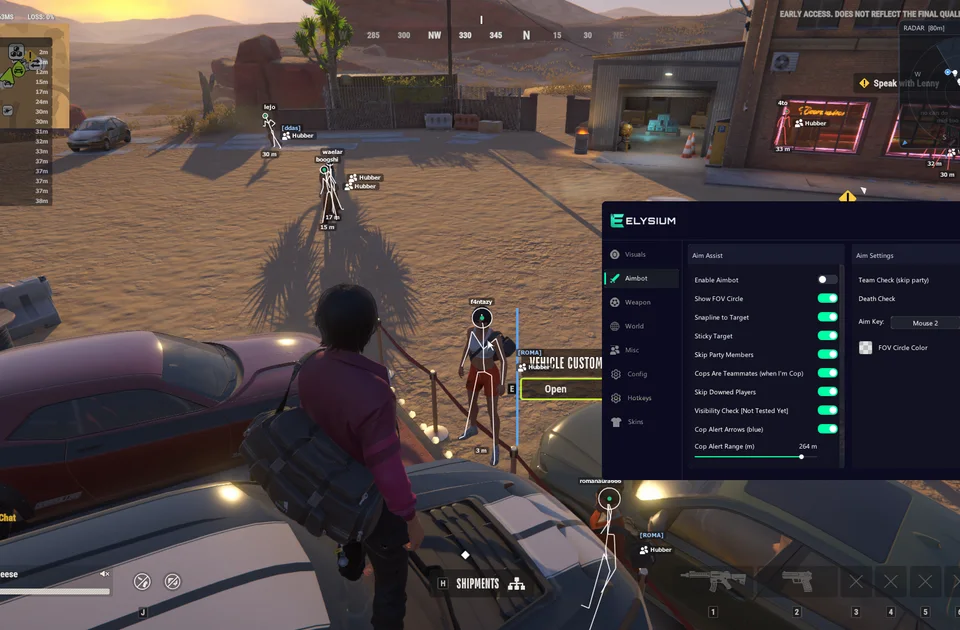
Not every feature in Elysium RR is about winning a fight. The Skins tab is there for fun: it lets you wear items from the Rob Run wardrobe on your own character, including pieces you have never unlocked. Here at AimRobRun we see a steady stream of questions about it from our community, mostly about one forgotten setup step and about who can actually see the result. This guide answers both and goes through every slot on the tab.
Skins at a Glance
- Who sees it - only you. Other players still see your real outfit.
- First step - open the in-game wardrobe once after launching Rob Run, then close it.
- Apply time - around 20 seconds per change.
- Lasting - picks come back after death and zone changes.
- Masks - appear only when the game itself shows your mask.
- Saving - stored in your config along with every other setting.
Getting Started: The Wardrobe Step
This is the step most people miss, and it causes most "skins do nothing" messages to our support staff.
- Start Rob Run and get your character into the world.
- Open the in-game wardrobe, look at it for a moment, then close it.
- Press Home to open the Elysium RR menu and go to the Skins tab.
- Choose a slot, pick an item and wait for it to appear on your character.
You only need the wardrobe step once each time you launch the game. Dying or moving to another zone does not undo it.
Every Slot in the Skins Tab
CLOTHING AND GEAR:
- Outfit - your whole clothing set.
- Bag - the bag on your back.
- Mask - the mask model, with a special rule covered below.
- Keychain - the small hanging keychain item.
FACE AND HAIR:
- Hair - your hairstyle.
- Head - the head model itself.
- Beard - facial hair.
- Face Marks - scars, tattoos and similar details.
- Makeup - face makeup.
COLOURS:
- Hair Colour - tint for your hairstyle.
- Eyebrow Colour - tint for the brows.
- Skin Colour - your skin tone.
- Eye Colour - iris colour.
How Items Are Listed
Items use the same names you see in the wardrobe, and each one carries a coloured stripe showing its rarity. That makes it easy to find a piece you spotted on another player. The names come from a file called skin_names.txt, kept beside the program. If you move the loader to a new folder, take that file with you.
Only items with a 3D model in the current game build make the list. The game data holds placeholders for cosmetics the developers have not finished, and equipping a placeholder with no model behind it can take the whole client down. We hide those, so the list stays short and Rob Run stays running. A piece you heard about from data miners but cannot see in the tab is almost certainly one of them.
Timing: Why You Wait About 20 Seconds
After you pick an item, give it roughly 20 seconds before deciding it did not work. That wait is normal. There is also a small cooldown of 1.5 s between applies, so rapid clicking through the list gains you nothing. Our staff suggest trying one item, waiting until it shows, then moving on to the next slot.
Masks Follow the Game's Rules
Your chosen mask is only visible when Rob Run itself displays your mask, for example during a robbery. Pick one while strolling through town and nothing changes on screen. Start a job, and it shows up. This is expected behaviour, not a fault. We simply respect the moments when Rob Run decides a mask belongs on your face.
Saving and Keeping Your Look
Your selections are written into the config, so they return next time you load. A few details worth knowing:
- Save Config on the Config tab stores your picks right away. Unloading with F9 saves as well.
- settings.ini next to the exe is where everything lives. Copy it, together with skin_names.txt, whenever you replace the loader after a Rob Run update. Our update day routine covers that.
- Each new game launch needs the wardrobe step again before your skins can show.
Fixing Common Skin Problems
- Outfit stays the same - most likely the wardrobe step was skipped this launch. Pop it open, close it, and allow around 20 seconds.
- Mask picks do nothing - your mask only draws while the game shows it, so try one during a heist.
- A known item is missing - it probably has no 3D model in this build, or your name list is old. Look in VeteranCheats Downloads for a newer loader.
- Choices gone after a fresh install - your old settings.ini was left behind in the previous folder. Copy it over.
If none of those fit, open a ticket on our Discord or write in through VeteranCheats Support, attaching RobRun_external_log.txt and telling us which Windows version you run. Both routes are listed on our support page.
Client-Side Only: What That Means
Every change you make is drawn locally. The game server keeps your genuine wardrobe on record, and that genuine look is what the rest of the lobby gets. Your inventory and account stay exactly as they were.
That follows directly from how Elysium RR works. It runs as an external overlay and can only change things that live on your machine, and your appearance is one of those. Who owns which cosmetic is tracked on Rob Run's side, which means a skin visible to other people cannot come from any honest cheat. Treat such promises as a red flag. The FAQ about our skin changer sums this up briefly.
Risk and Screenshots
Because it only touches your own view, the skin changer is one of the quieter parts of the menu. Even so, it ships inside a cheat, so the usual ban risk applies. One habit we recommend: avoid sharing screenshots or clips where you wear items your account does not own, since a look that does not match your inventory gets noticed. When you record, keep StreamProof on (Weapon tab) so the overlay and menu stay out of capture; on some PCs it can cost a few frames. Our recording guide has the details.
Every plan comes with this tab at no extra cost, next to ESP, aim assist and the world markers. The remaining tabs are explained on our features page.